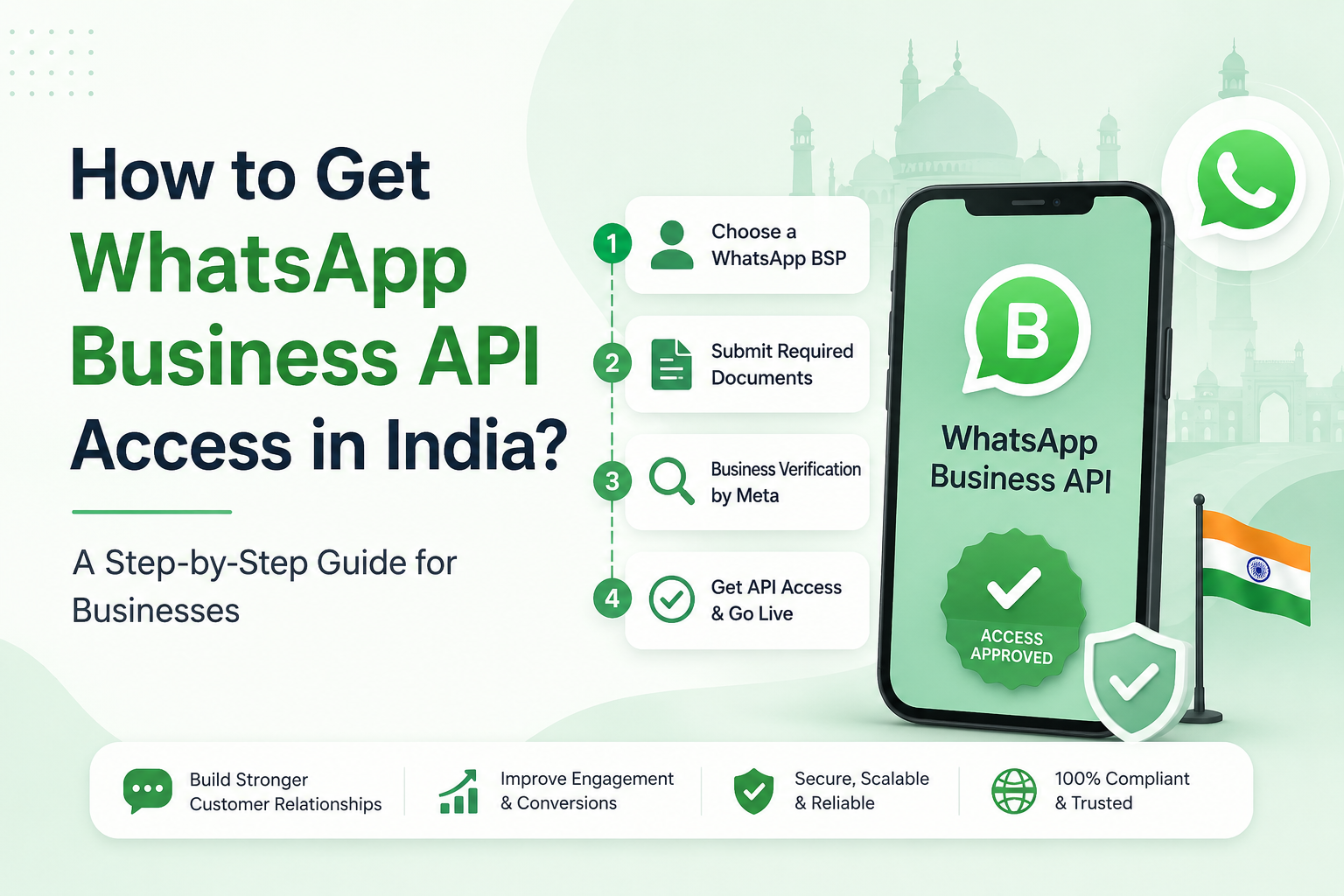
To get WhatsApp Business API access in India, create a Meta Business Manager account, complete Business Verification, then set up a WhatsApp Business Account (WABA) either directly through Meta's Cloud API or through an authorized Business Solution Provider (BSP). After your phone number, display name, and message templates are approved, you can go live. The full process takes 3–10 business days, and Meta charges no setup fee you pay only per delivered template message.
What is the WhatsApp Business API?
The WhatsApp Business API officially the WhatsApp Business Platform is Meta's enterprise interface for sending and receiving WhatsApp messages programmatically at scale. Unlike the free WhatsApp Business App (which runs on a single phone), the API has no chat interface of its own. It connects to your CRM, chatbot, or marketing tool and supports automation, multi-agent inboxes, and high message volumes.
For Indian businesses this matters because WhatsApp reaches over 535 million monthly active users in India the single largest WhatsApp market in the world with message open rates near 98%, far above email or SMS.
What you need before you start
Have these ready to avoid delays during verification:
- A registered business with a legal name, address, and GST or incorporation documents
- An active Meta Business Manager account with accurate business details
- A functional business website (Meta uses it to validate authenticity — this is effectively mandatory in India)
- A dedicated phone number that is not currently active on the regular WhatsApp or WhatsApp Business app
- A business email on your own domain (improves approval odds)
Should you go direct or through a BSP?
There are two paths to API access. Most non-technical businesses choose a BSP; developers and product teams often go direct.
| Factor | Direct (Meta Cloud API) | Via a BSP |
|---|---|---|
| Best for | Developers, in-house tech teams | SMEs, marketers, no-code users |
| Setup time | 1–3 weeks | 3–5 days |
| Technical work | You build webhooks, tokens, message logic | Handled for you via guided onboarding |
| Interface | None — you build it | Ready-made inbox, chatbot, analytics |
| Cost | Meta message fees only | Meta fees + a platform/subscription fee |
Both routes use the exact same underlying Cloud API and the same Meta message rates. The difference is whether you build the tooling yourself or rent it.
Step-by-step: getting WhatsApp Business API access
Step 1 — Set up your Meta Business Manager account
Go to business.facebook.com and create a Business Portfolio (if you don't already have one). Enter your legal business name, address, website, and contact details exactly as they appear on your official documents. Inconsistencies here are the number-one cause of verification rejection later.
Step 2 — Complete Meta Business Verification
This is the gate that unlocks everything else. In Business Manager, open Security Centre → Business Verification and submit your business documents (GST certificate, incorporation certificate, or a utility bill matching your registered address). Meta cross-checks your details against public records.
Verification typically takes 2–4 business days. While you wait, you can already start testing with limited messaging.
Step 3 — Choose your route and start onboarding
- BSP route (recommended for most): Sign up with a Meta-authorized BSP and complete Meta's Embedded Signup flow inside their dashboard. This guided flow connects your Business Manager, creates your WhatsApp account, and registers your number in one sequence.
- Direct route: Go to developers.facebook.com, create a developer account, and create a new app of type Business.
Step 4 — Create your WhatsApp Business Account (WABA) and add a phone number
Inside the signup flow (BSP) or the Meta Developer dashboard (direct), create your WABA and attach your dedicated phone number. Meta sends a verification code by SMS or voice call. Remember: this number cannot be used on the consumer WhatsApp app at the same time, so always use a separate line.
Step 5 — Get your display name approved
Your display name is what customers see when you message them. It must reflect your real business name and follow Meta's display-name guidelines (no generic terms, no misleading claims). Once your business is verified, display name review is usually same-day.
Step 6 — Create and submit message templates
You cannot message customers out of the blue with free text you must use pre-approved templates for business-initiated messages. Create your first templates (for example, an order update or a welcome message), assign each the correct category (Marketing, Utility, or Authentication), and submit them. Template approval typically takes 24–48 hours.
2026 compliance note: Meta tightened chatbot rules in 2026. AI bots must perform concrete business tasks answering support queries, booking appointments, giving purchase help. Open-ended "AI friend" style chat is no longer allowed.
Step 7 — Go live and understand your messaging tier
Once a template is approved, you can send your first live message. New numbers start in a messaging limit tier that caps how many unique customers you can message in a rolling 24 hours:
- Tier 1: 1,000 customers/day
- Tier 2: 10,000 customers/day
- Tier 3: 100,000 customers/day
- Tier 4: Unlimited
You move up automatically by sending quality messages and maintaining a high quality rating. Keep your opt-ins clean and your block/report rate low to climb tiers quickly during the first 90 days.
WhatsApp Business API pricing in India
Meta charges no setup or monthly platform fee for the API itself you pay per delivered template message. Since 1 July 2025, Meta moved from conversation-based pricing to per-message pricing: each delivered template message is billed individually based on its category.
| Message category | What it covers | Approx. India rate |
|---|---|---|
| Marketing | Promotions, offers, re-engagement | ~₹0.78–0.88 |
| Utility | Order updates, alerts, reminders | ~₹0.12–0.16 |
| Authentication | OTPs and verification codes | ~₹0.12–0.13 |
| Service | Replies inside a customer-initiated chat | Free |
Two cost-savers worth knowing:
- Service conversations are free and unlimited since 1 November 2024 replying within a customer's 24-hour window costs nothing.
- Utility templates sent inside an open service window are also free, and high-volume utility/authentication senders unlock lower per-message rates through volume tiers.
If you go through a BSP, expect their platform fee on top of these Meta rates.
Why WhatsApp API applications get rejected (and how to avoid it)
- Mismatched business details between your documents and Business Manager → make every field identical.
- No website or a thin one-pager → publish a real site with contact info and an About page.
- Reusing a number already on WhatsApp → delete that account first or use a fresh number.
- Display name that doesn't match the business → use your legal or well-known brand name.
- Templates written like spam → keep them clear, transactional, and category-correct.